

Select display
A dropdown that lists every display currently connected to your system. Choose the display you want, then click Select display. The main window moves to that display and automatically switches to fullscreen.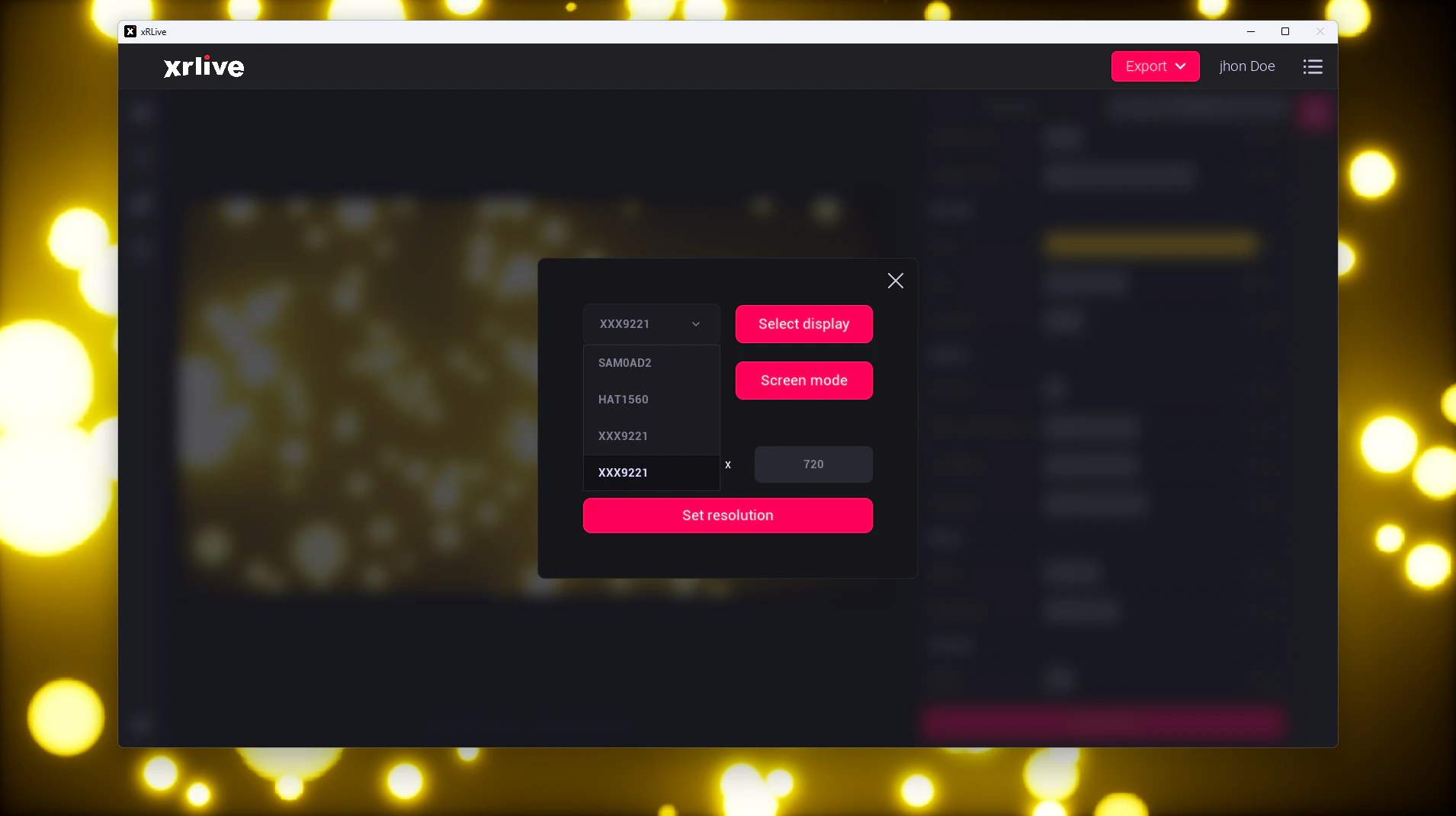
The Select display control
Screen mode
A dropdown that switches the main window between Windowed and Fullscreen. Click Screen mode to apply your choice.- Windowed — the main window is resized to a 1280 × 720 window.
- Fullscreen — the main window fills the selected display, using its full native resolution.
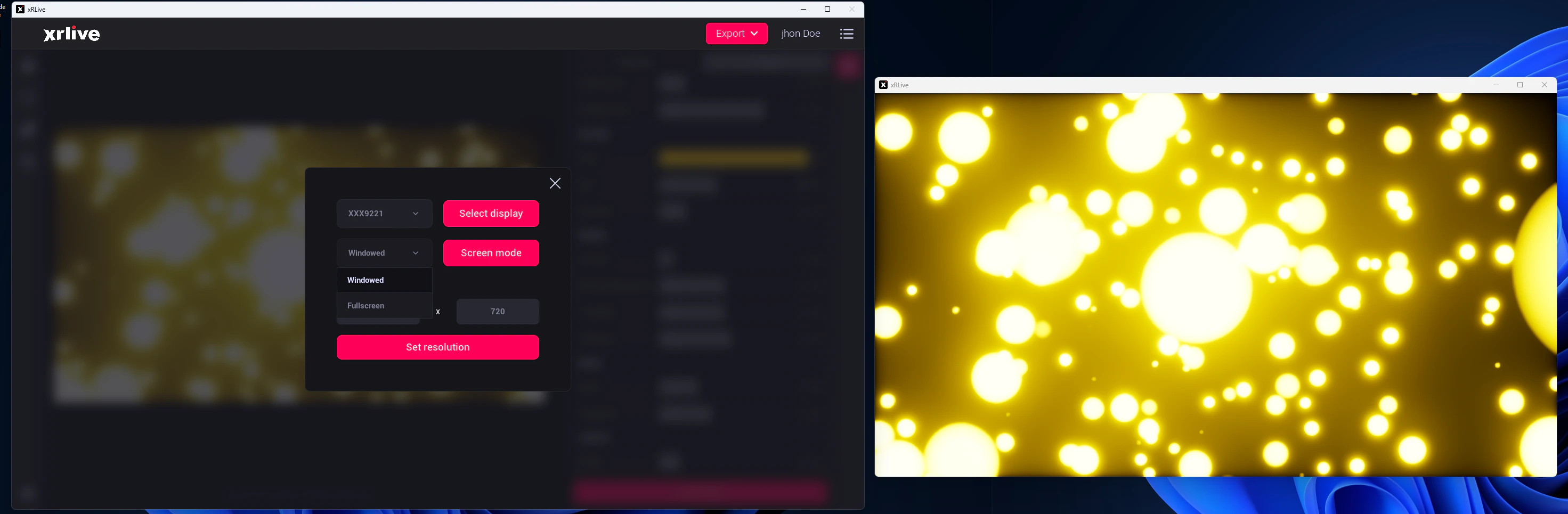
The Screen mode control
Custom resolution
Type an exact resolution (width × height) for the main window. Click Set resolution and the main window changes to the resolution you entered.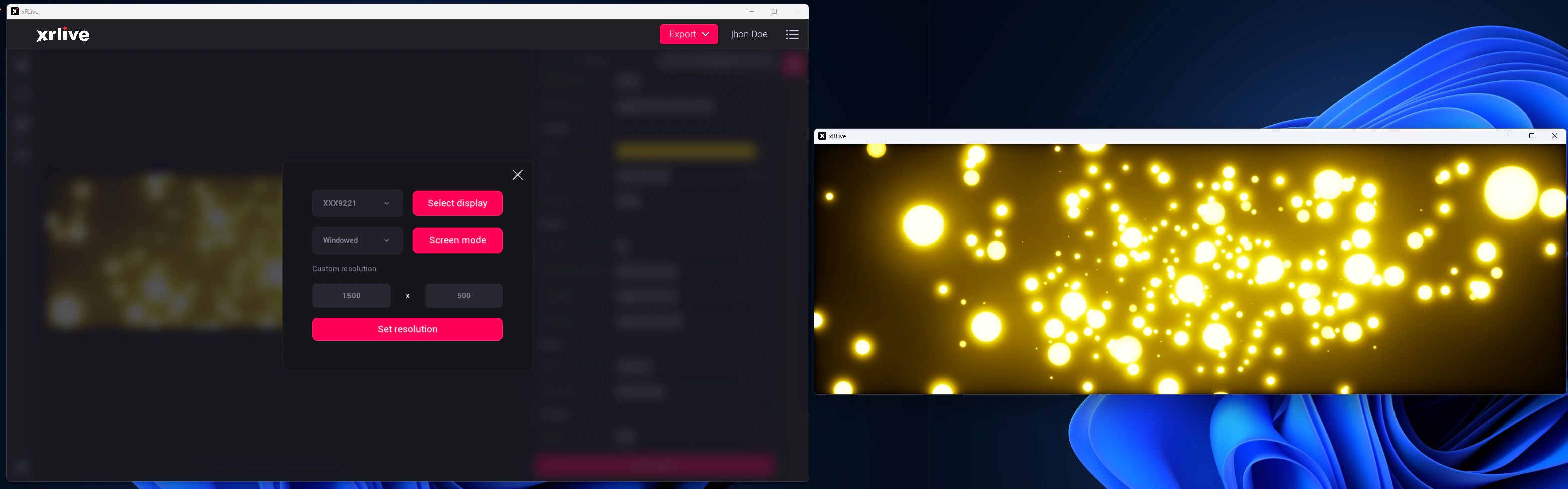
The Custom resolution control
While a visual is open, its viewport automatically resizes to match the main window. Any change you make here — display, screen mode, or resolution — is reflected in the visual output right away.