

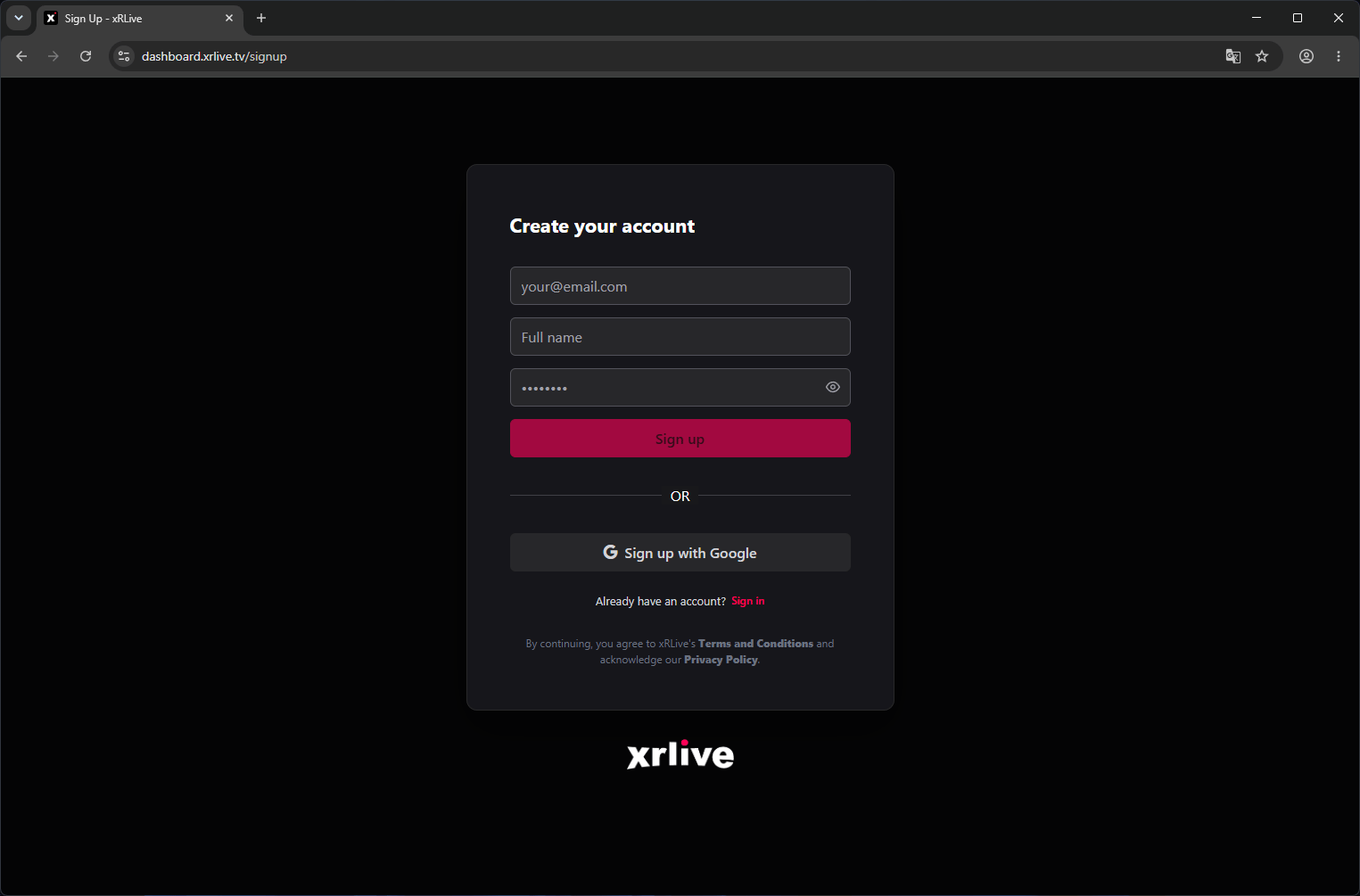
The xRLive sign-up page
Sign up with email
- Enter your full name, email address, and a password (minimum 8 characters).
- Click Create Account.
- Check your inbox for a verification email and click the confirmation link.
- You’re in — the dashboard loads and your account is ready.
Sign up with Google
- Click Continue with Google.
- Select your Google account in the popup.
- xRLive creates your account automatically using your Google profile name and email.
- No password is required — you’ll always sign in with Google for this account.
After signing up
Your account starts on the Free plan. You can:- Browse the Marketplace
- Access the dashboard
- Download the xRLive Launcher
Download the Launcher
Once your account is set up, install the xRLive Launcher to start running visuals.