

Types of interaction
Reactions
The audience reacts to whatever is on screen — like, love, fire, star, and similar. Reactions are counted live and can trigger effects on stage.
Votes
The audience picks a favorite among several options. The most-voted entry rises to the top and can be highlighted on stage.
Polls
The audience answers a question or chooses an option, and the results update live on the game window.
Collaborative actions
Everyone contributes toward a shared goal at the same time — for example, tapping to light up the stage together.
Submissions
The audience sends in their own content — a prompt, a message, or an image — which then appears on stage.
You don’t enable these one by one. The interactions a visual offers are built into the visual itself — starting the experience makes them available to the audience automatically.
What it looks like
A couple of real examples from audience-enabled visuals, seen on an audience member’s phone: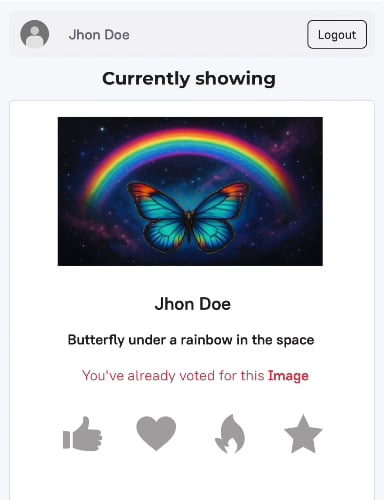
Reactions — the audience reacts to the content currently on stage
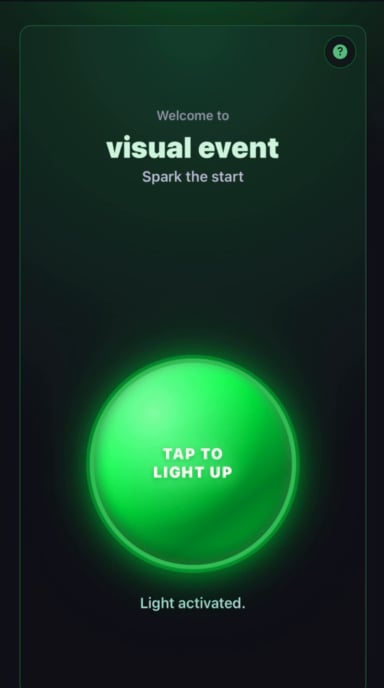
Collaborative action — a single tap lights up the audience member's space on stage
Where to go next
QR code & joining
How the audience gets in — the QR code and the join flow.
Game shows
Full competitive experiences with rounds, scoring, and a winner.