

An audience-enabled visual: the crowd joins from their phones and takes part live
How it works
1
The visual brings the interaction
Audience features are built into the visual itself. When you get an audience-enabled visual from the marketplace, everything it needs to run the crowd layer comes with it — you don’t wire anything up.
2
A QR code appears on the game window
When you start the experience, the visual automatically generates a QR code and shows it on stage. That single code is the door in for the whole room.
3
The audience joins and takes part
Anyone who scans the code opens the audience web page on their phone and can start participating right away — reacting, voting, or contributing, depending on the visual.
There’s nothing to configure ahead of time for the audience to join. Starting an audience-enabled experience is what makes the QR code and the interactions available.
What audiences can do
The kind of participation depends on the visual — from a quick reaction to submitting their own content. The two experiences below show the range, from a head-to-head competition to a shared, collaborative moment.Competitive — AI Image Contest
The audience creates AI images from their phones, the entries are projected on stage, and the crowd reacts to their favorites. Reactions fire off effects on stage and a winner is crowned at the end.
Collaborative — Light it up
Each person is given a piece of the stage. Everyone taps together to light up their space, and the whole room works toward filling the stage with color.
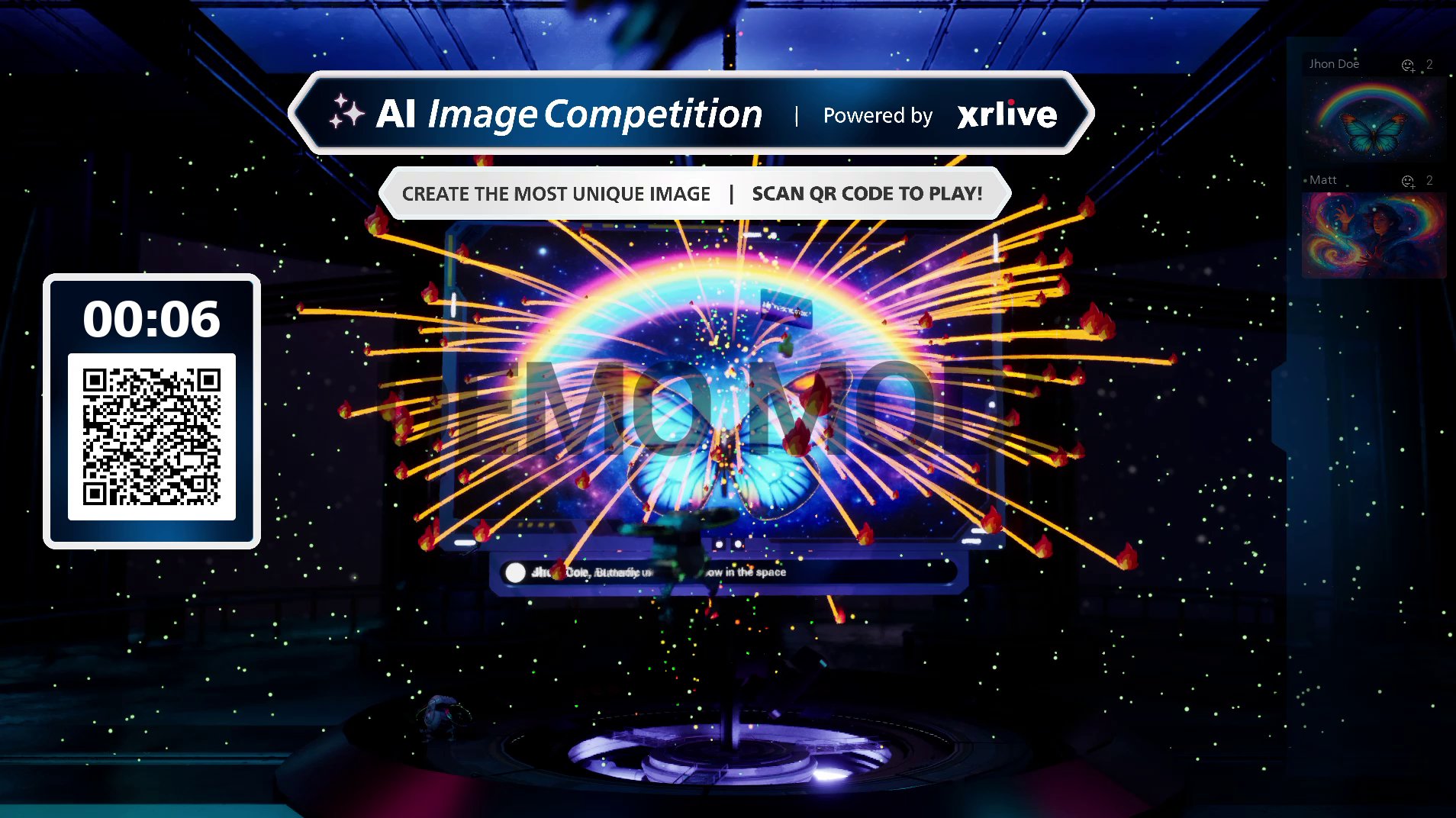
AI Image Contest — entries projected on stage with live reactions
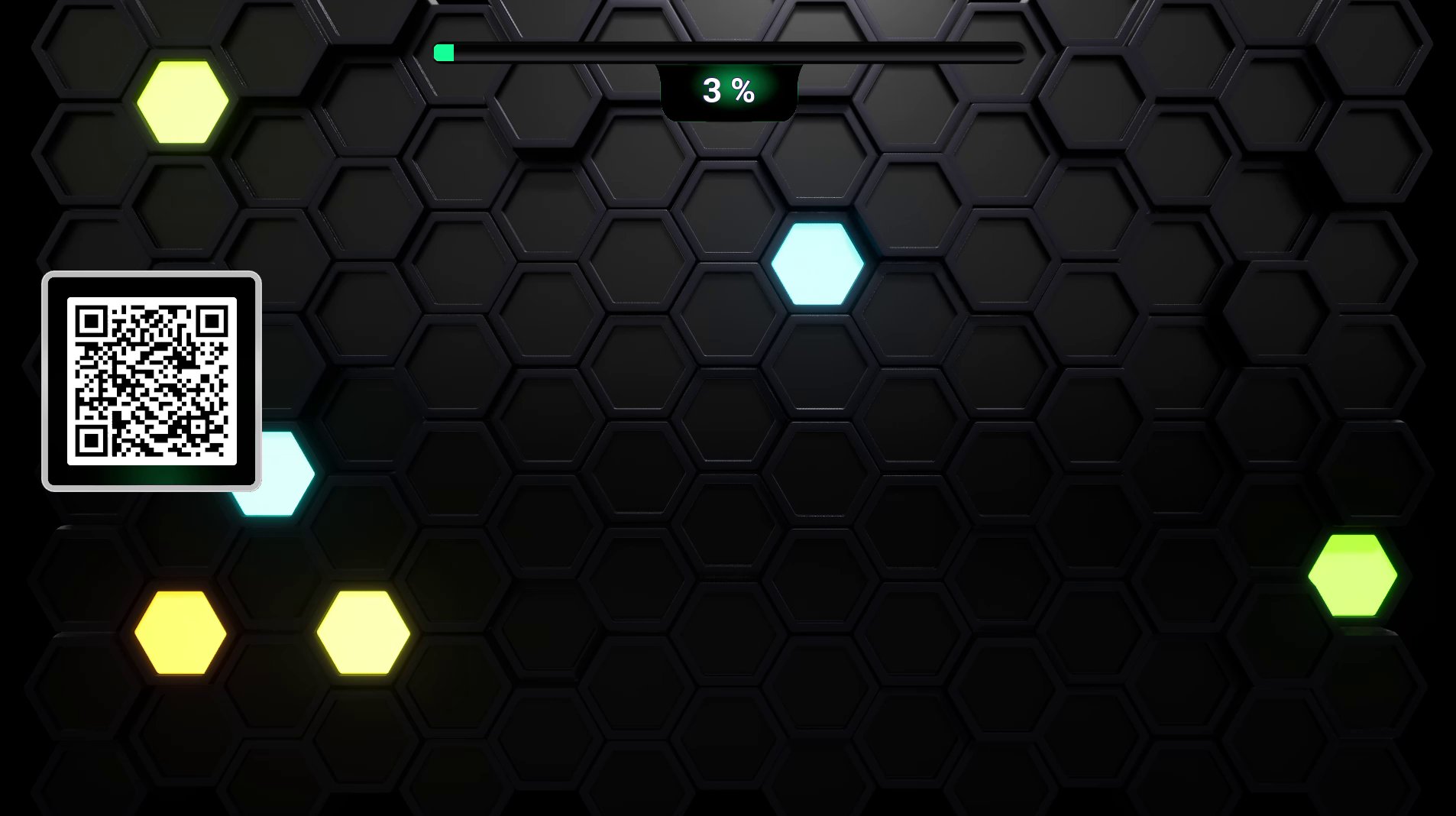
Light it up — the audience lights up the stage together
Where to go next
QR code & joining
How the QR code is generated and how the audience gets in from their phones.
Interactions
The common ways an audience can take part — reactions, votes, polls, and more.
Game shows
Run a full competitive experience end to end, from setup to crowning a winner.