

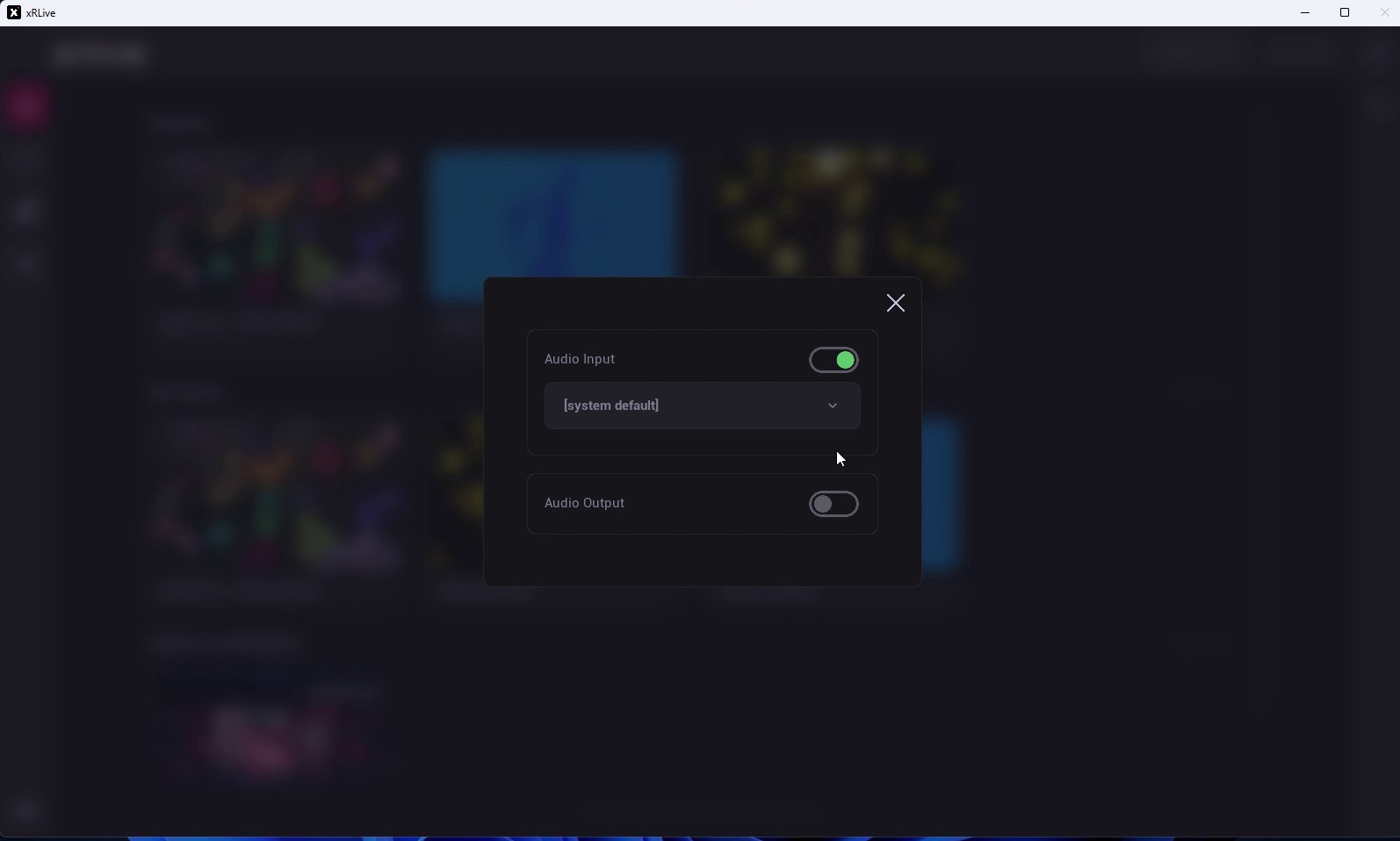
The Audio settings dialog
Audio Input
Turn on Audio Input and choose the device xRLive listens to from the dropdown — a microphone or any other input device connected to your computer, or [system default]. This is the signal that drives audio-reactive controls.Audio Output
Turn on Audio Output and choose where xRLive sends audio from the dropdown — your speakers or any other output device connected to your computer, or [system default].The audio input selected here is the source for Audio Reactivity.