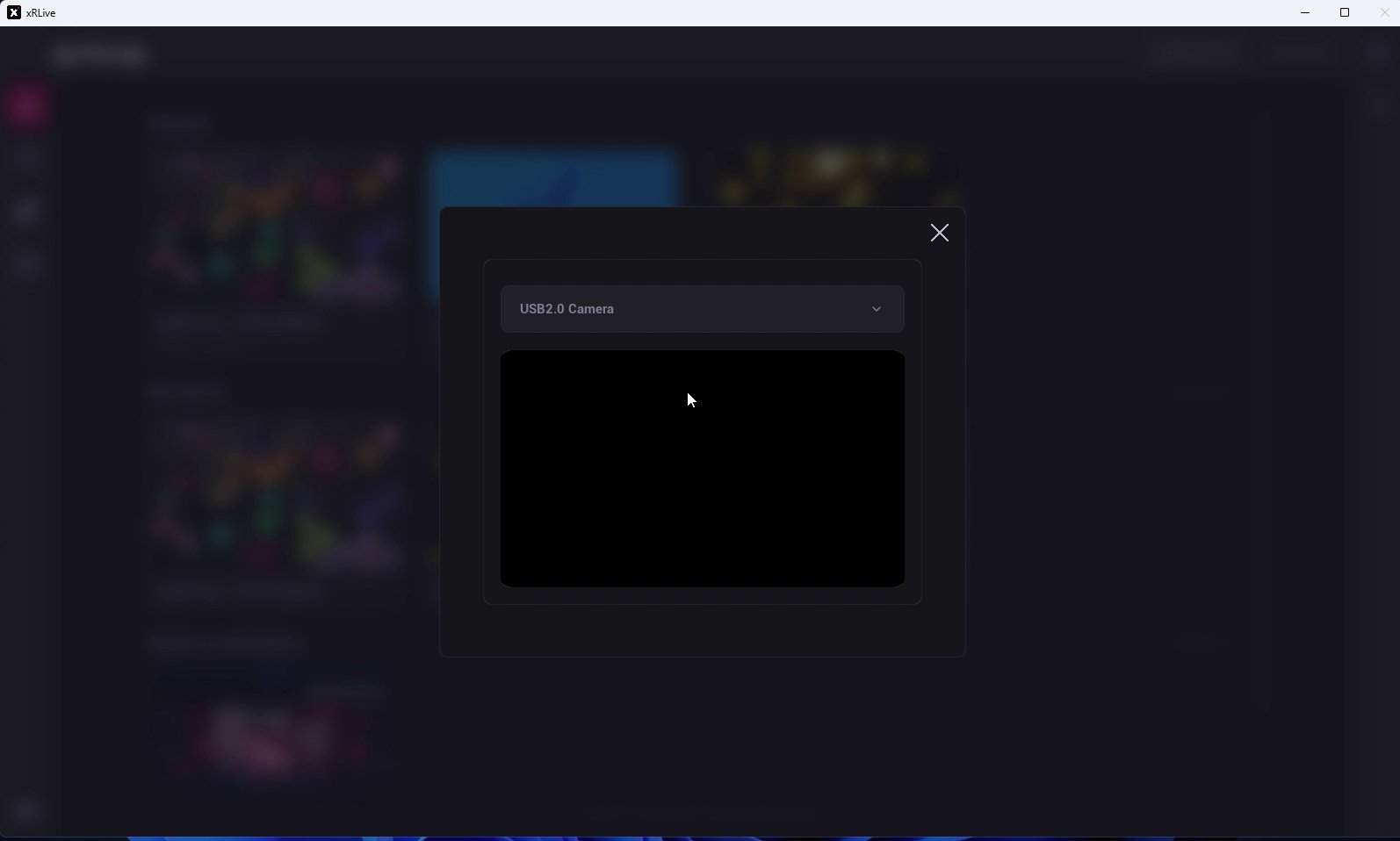
Camera Setup lets you pick the camera xRLive uses for visuals that include a live camera feed.Open it from the menu in the top-right corner of the launcher and choose Camera.Select your camera from the dropdown — any camera connected to your computer, or Empty to use none. When you select an enabled camera, its live capture appears in the preview below the dropdown, so you can confirm it’s working before you go on stage.
The Camera settings dialog with a live preview
The first time a visual uses the camera, your operating system may ask you to grant camera permission. If you deny it, enable it again in your OS privacy settings.