

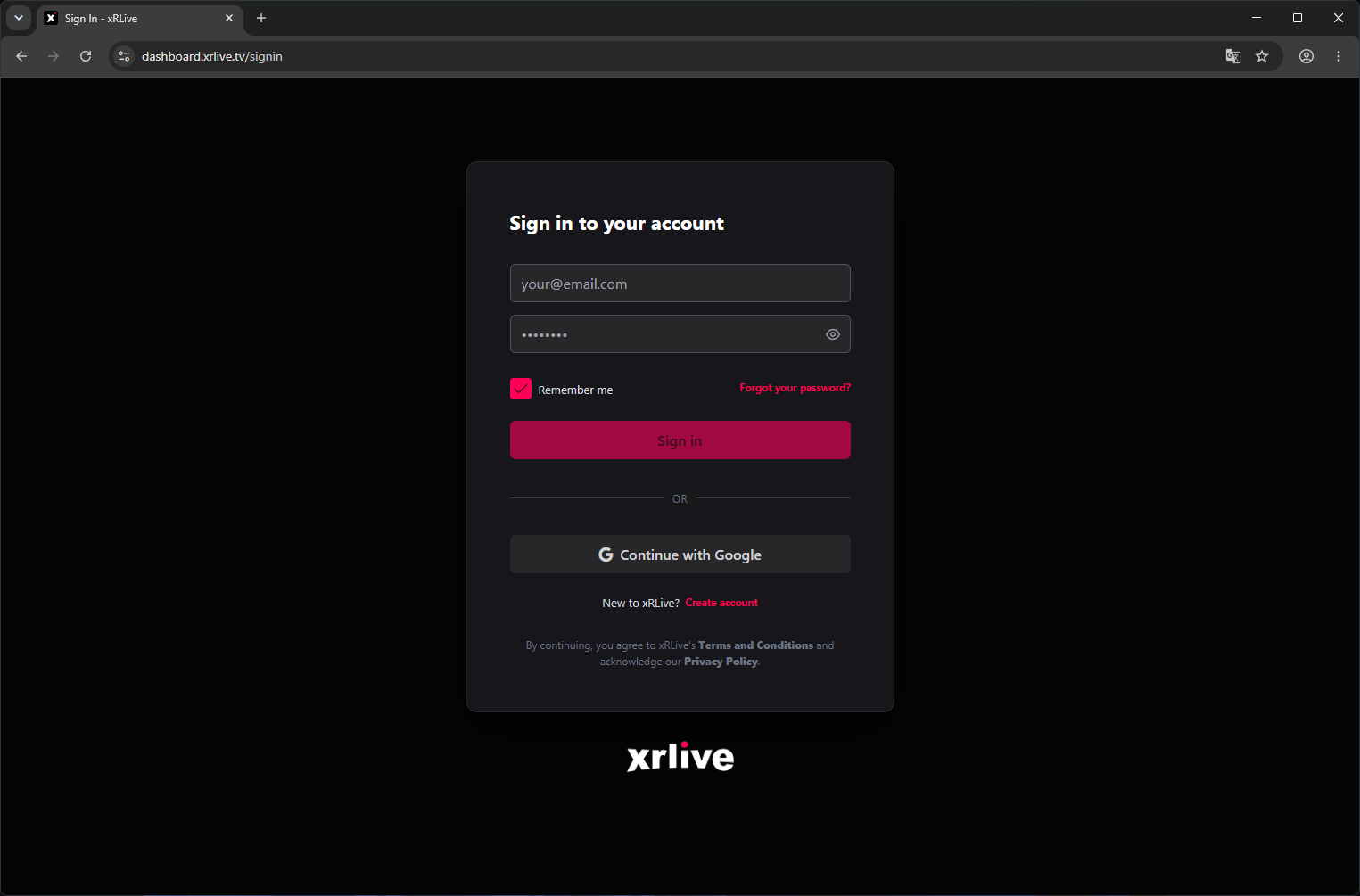
The xRLive sign-in page
Sign in with email
Enter your email address and password, then click Sign In.Sign in with Google
Click Continue with Google and select your account. This works if you originally signed up with Google or linked Google to your account.Forgot your password?
Click Forgot password? on the sign-in page. Enter your email address and you’ll receive a reset link within a few minutes. Check your spam folder if it doesn’t arrive.Stay signed in
Check Remember me to stay signed in across browser sessions. If you’re on a shared or public machine, leave this unchecked.Signing in via the Launcher
The xRLive desktop app has its own sign-in screen. Enter the same credentials you use on the web dashboard — your account and library are shared across both.Signing in from the xRLive Launcher