> ## Documentation Index
> Fetch the complete documentation index at: https://xrlive.mintlify.site/llms.txt
> Use this file to discover all available pages before exploring further.
# Audience Interaction Overview
> How the xRLive audience layer works
Some visuals don't just play on stage — they invite the crowd to take part from their phones. The audience scans a QR code, joins from a web page, and what they do shows up live on the game window. No app to install, no accounts to hand out at the door.
## How it works
Audience features are built into the visual itself. When you get an audience-enabled visual from the marketplace, everything it needs to run the crowd layer comes with it — you don't wire anything up.
When you start the experience, the visual automatically generates a QR code and shows it on stage. That single code is the door in for the whole room.
Anyone who scans the code opens the audience web page on their phone and can start participating right away — reacting, voting, or contributing, depending on the visual.
There's nothing to configure ahead of time for the audience to join. Starting an audience-enabled experience is what makes the QR code and the interactions available.
## What audiences can do
The kind of participation depends on the visual — from a quick reaction to submitting their own content. The two experiences below show the range, from a head-to-head competition to a shared, collaborative moment.
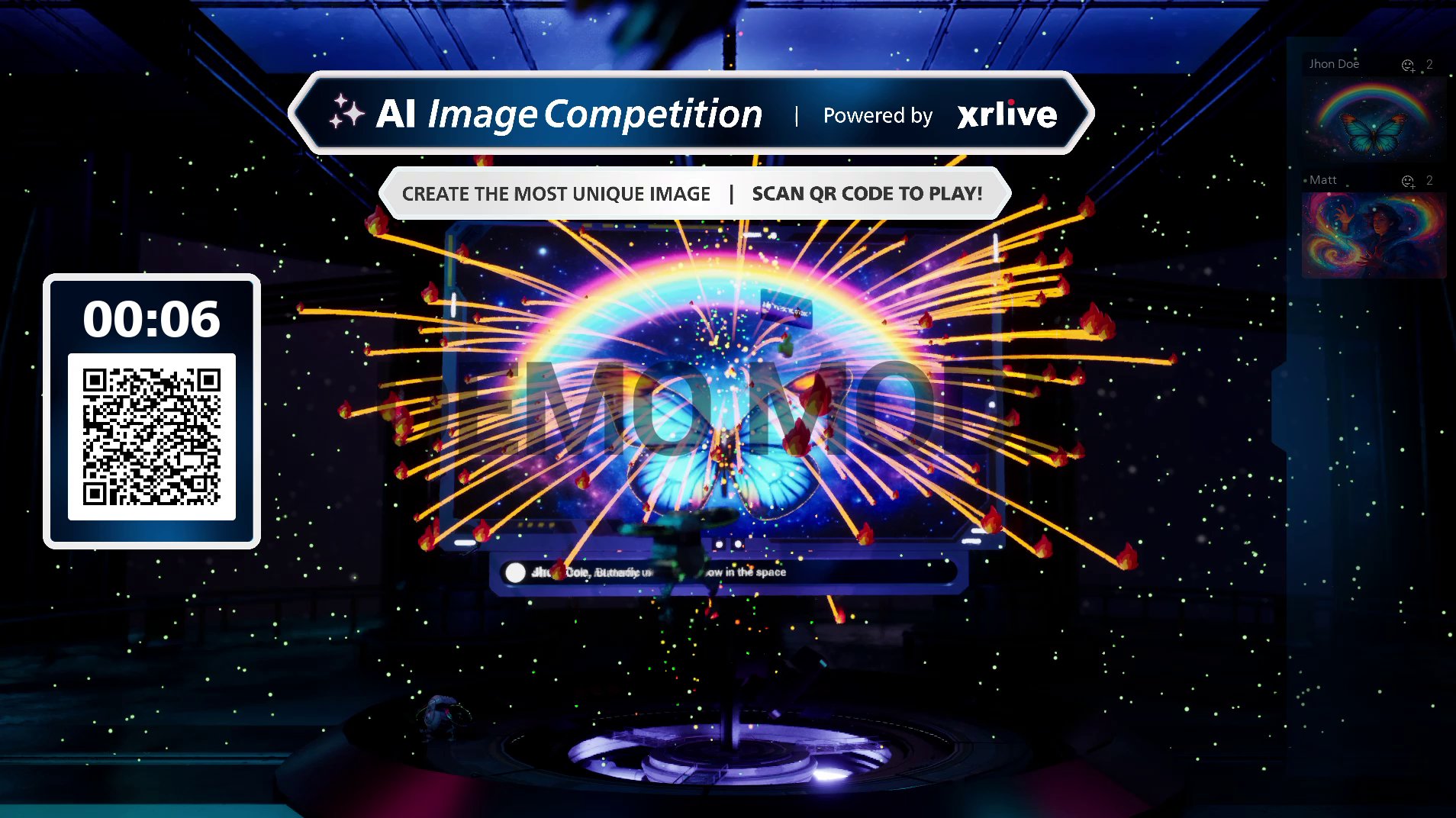
The audience creates AI images from their phones, the entries are projected on stage, and the crowd reacts to their favorites. Reactions fire off effects on stage and a winner is crowned at the end.
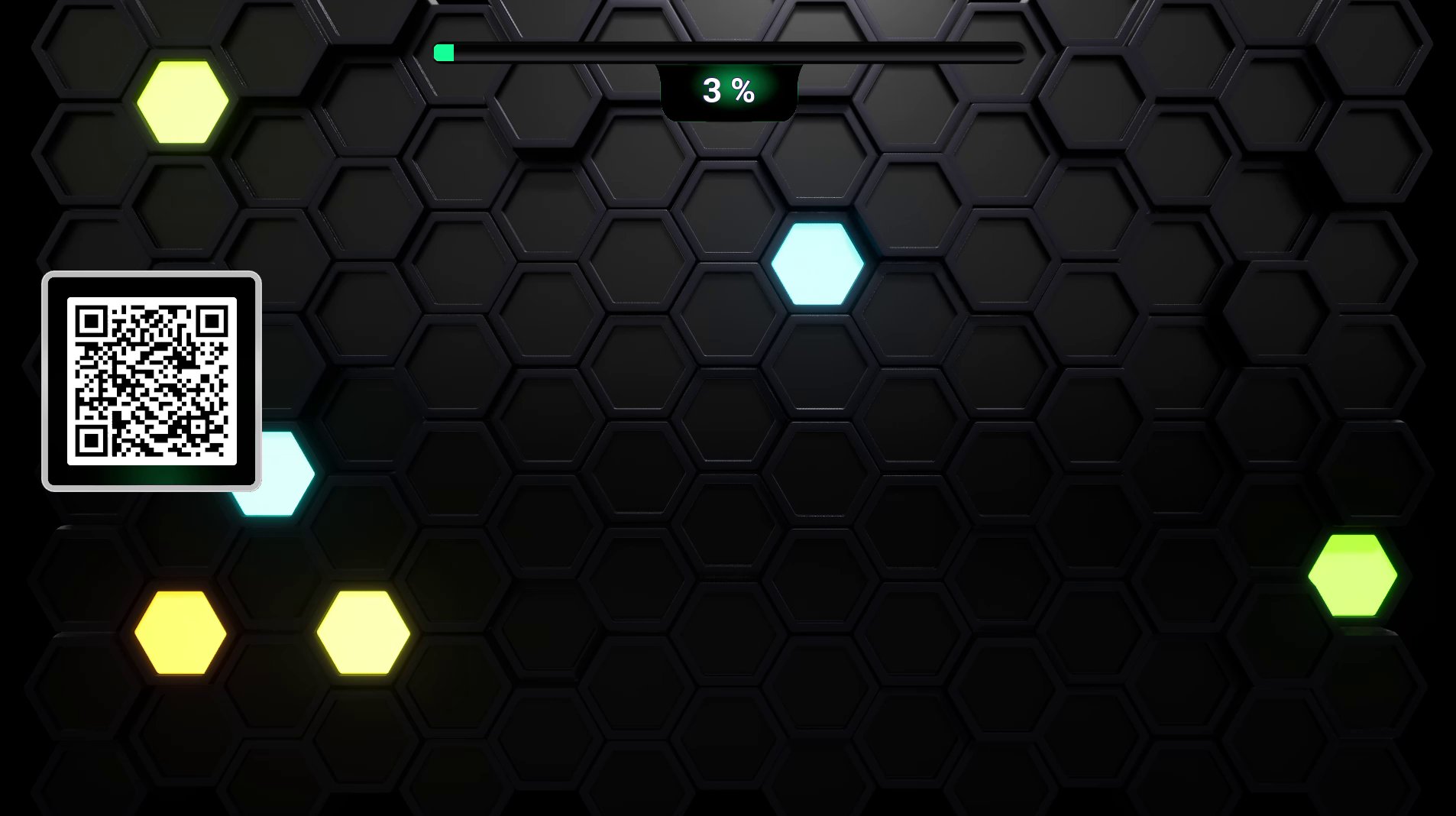
Each person is given a piece of the stage. Everyone taps together to light up their space, and the whole room works toward filling the stage with color.
 ## Where to go next
How the QR code is generated and how the audience gets in from their phones.
The common ways an audience can take part — reactions, votes, polls, and more.
Run a full competitive experience end to end, from setup to crowning a winner.
## Where to go next
How the QR code is generated and how the audience gets in from their phones.
The common ways an audience can take part — reactions, votes, polls, and more.
Run a full competitive experience end to end, from setup to crowning a winner.