> ## Documentation Index
> Fetch the complete documentation index at: https://xrlive.mintlify.site/llms.txt
> Use this file to discover all available pages before exploring further.
# Sign Up
> Create an xRLive account with email or Google
Go to [dashboard.xrlive.app/signup](https://dashboard.xrlive.app/signup) to create your account.
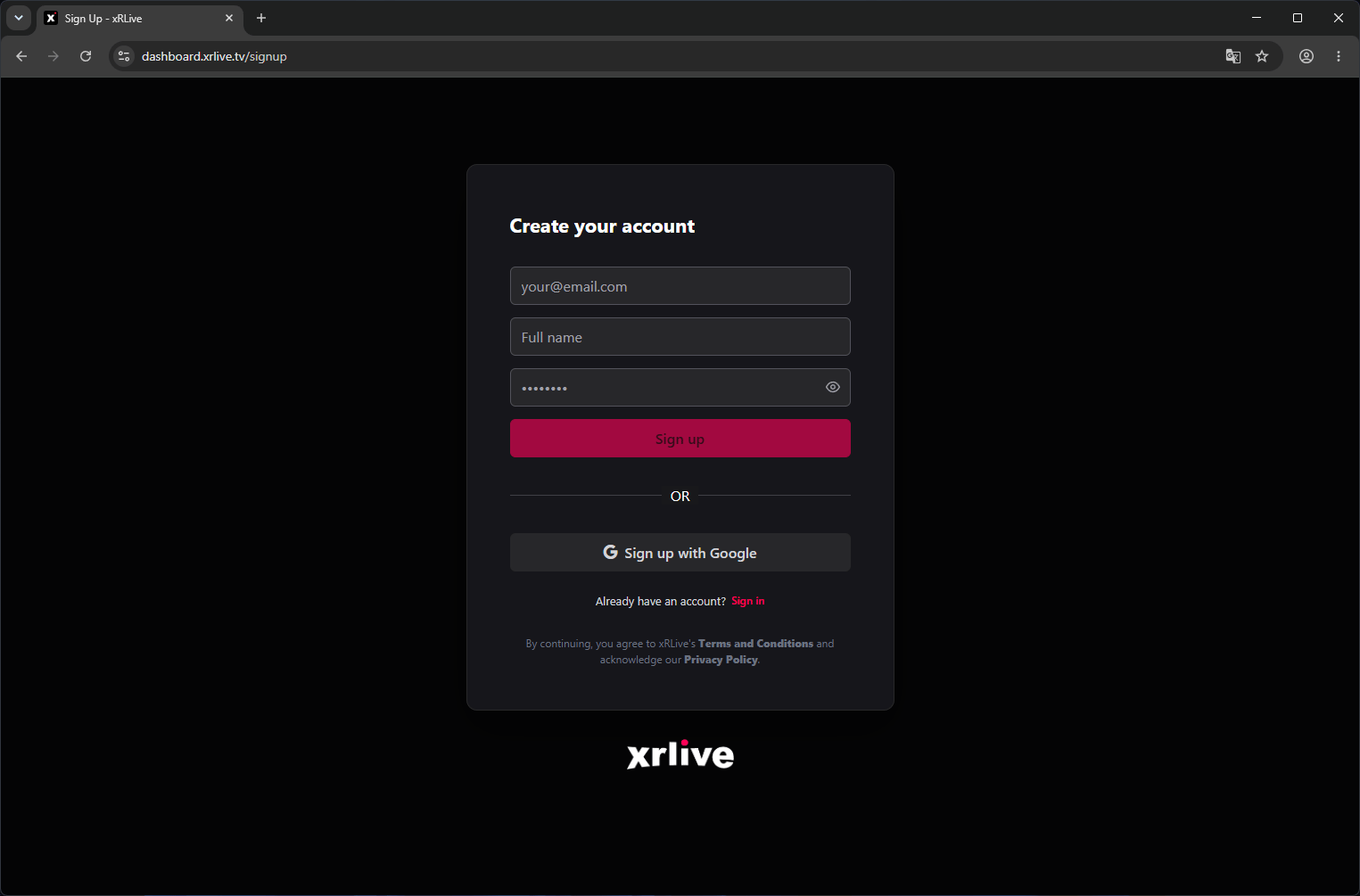 ## Sign up with email
1. Enter your **full name**, **email address**, and a **password** (minimum 8 characters).
2. Click **Create Account**.
3. Check your inbox for a verification email and click the confirmation link.
4. You're in — the dashboard loads and your account is ready.
## Sign up with Google
1. Click **Continue with Google**.
2. Select your Google account in the popup.
3. xRLive creates your account automatically using your Google profile name and email.
4. No password is required — you'll always sign in with Google for this account.
## After signing up
Your account starts on the **Free plan**. You can:
* Browse the Marketplace
* Access the dashboard
* Download the xRLive Launcher
To run premium visuals, you'll need to upgrade to **PRO** or **CREATOR**. See [Plans & Subscriptions](/overview/subscriptions).
Once your account is set up, install the xRLive Launcher to start running visuals.
## Sign up with email
1. Enter your **full name**, **email address**, and a **password** (minimum 8 characters).
2. Click **Create Account**.
3. Check your inbox for a verification email and click the confirmation link.
4. You're in — the dashboard loads and your account is ready.
## Sign up with Google
1. Click **Continue with Google**.
2. Select your Google account in the popup.
3. xRLive creates your account automatically using your Google profile name and email.
4. No password is required — you'll always sign in with Google for this account.
## After signing up
Your account starts on the **Free plan**. You can:
* Browse the Marketplace
* Access the dashboard
* Download the xRLive Launcher
To run premium visuals, you'll need to upgrade to **PRO** or **CREATOR**. See [Plans & Subscriptions](/overview/subscriptions).
Once your account is set up, install the xRLive Launcher to start running visuals.